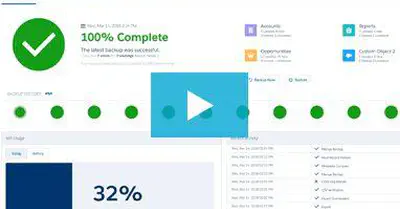
In this video, we show you how Spanning Backup for Salesforce works, including how to easily monitor the status of your Salesforce backups, how to restore data without leaving the Salesforce app, and how to easily export Salesforce data.
View Resource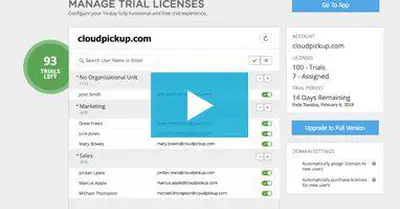
Jeff Erramouspe, CEO of Spanning, details what Spanning Backup is, and what makes the service so reliable.
View Resource
If your organization manages e-PHI in cloud applications, the information in this whitepaper is key to keeping your organization compliant and productive.
View Resource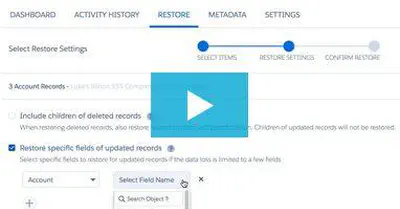
In this video, we’;ll show you how to restore specific fields back into your live Salesforce environment using Spanning Backup for Salesforce.
View Resource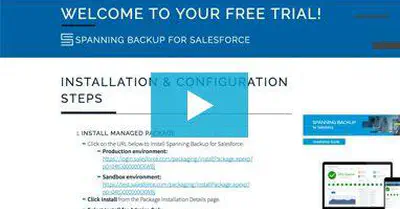
Learn how to install and configure Spanning Backup for Salesforce for your organization in just 5 minutes. Get detailed instructions in this video.
View Resource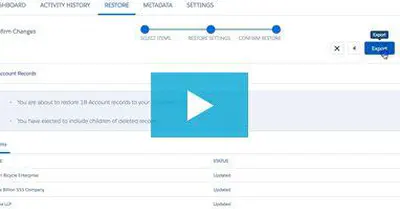
Learn how to use Spanning Backup for Salesforce to export backed up Salesforce data, from any point in time. Watch the video tutorial.
View Resource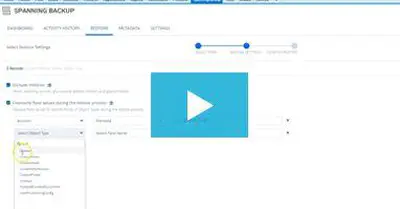
Learn how to overwrite Salesforce field values, such as objects owned by inactive users, or sensitive data, when performing a bulk restore with Spanning.
View Resource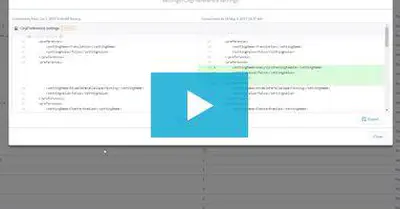
Tired of manually comparing metadata when preparing Salesforce restores? See how the Metadata Comparison feature speeds up the process for Salesforce admins.
View Resource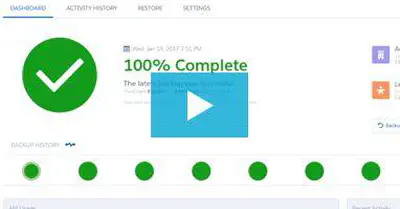
Learn how to perform a full Salesforce org restore with Spanning Backup for Salesforce in the event of a data disaster across your Salesforce org.
View Resource