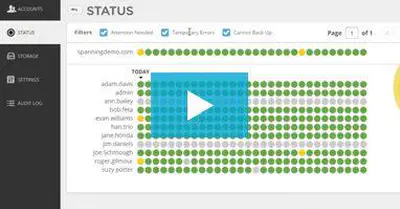
In this video, we show you how Spanning Backup for Google Workspace works, including how to correct problems with and monitor your Google Workspace backups, how to quickly and easily restore lost data, and how to manage users and permissions for your domain.
View Resource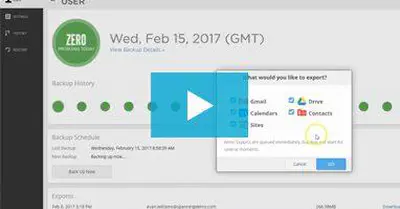
Learn how end users can export their backed up Google Workspace data out of Spanning to their local hard drive.
View Resource
Moving critical data from on-premises apps to cloud-based apps like Salesforce, Microsoft 365, or Google Workspace? Follow these steps to ensure that your SaaS data is protected.
View Resource
Do you know the most common threats to your Google Workspace data? Download the 3-Step Guide to find out the best solution for protecting your Google Workspace data.
View Resource
If you’;re managing healthcare data and e-PHI in SaaS applications, you’;re at the cutting edge of your industry. But have you addressed the compliance and data protection risks that accompany your migration to the cloud? Learn how Spanning Backup can keep your data safe and your organization HIPAA compliant.
View Resource
ESG’;s IT spending trends report for 2014 shows that the adoption of cloud applications continues to become more mainstream, moving traditional workloads like collaboration, file sharing and email to software-as-a-service (SaaS) instead of on-premise.
View Resource
See why the Robert H. Smith School of business chose Spanning Backup over the competition to keep this top-ranked institution’;s data safe and accessible.
View Resource
Google Workspace may be revolutionizing education, but it isn’;t immune from data loss due to hackers, malicious insiders, human error, sync malfunctions and mistakes in collaboration. Download this solution brief to learn how Spanning Backup for Google Workspace helps schools focus on education rather than worrying about data loss.
View Resource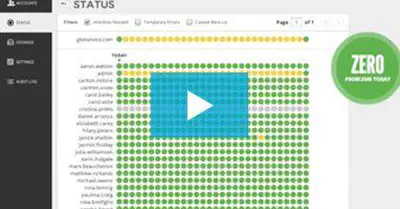
See the new and improved status reporting in Spanning Backup for Google Workspace and rest easy knowing your backups are completely transparent.
View Resource